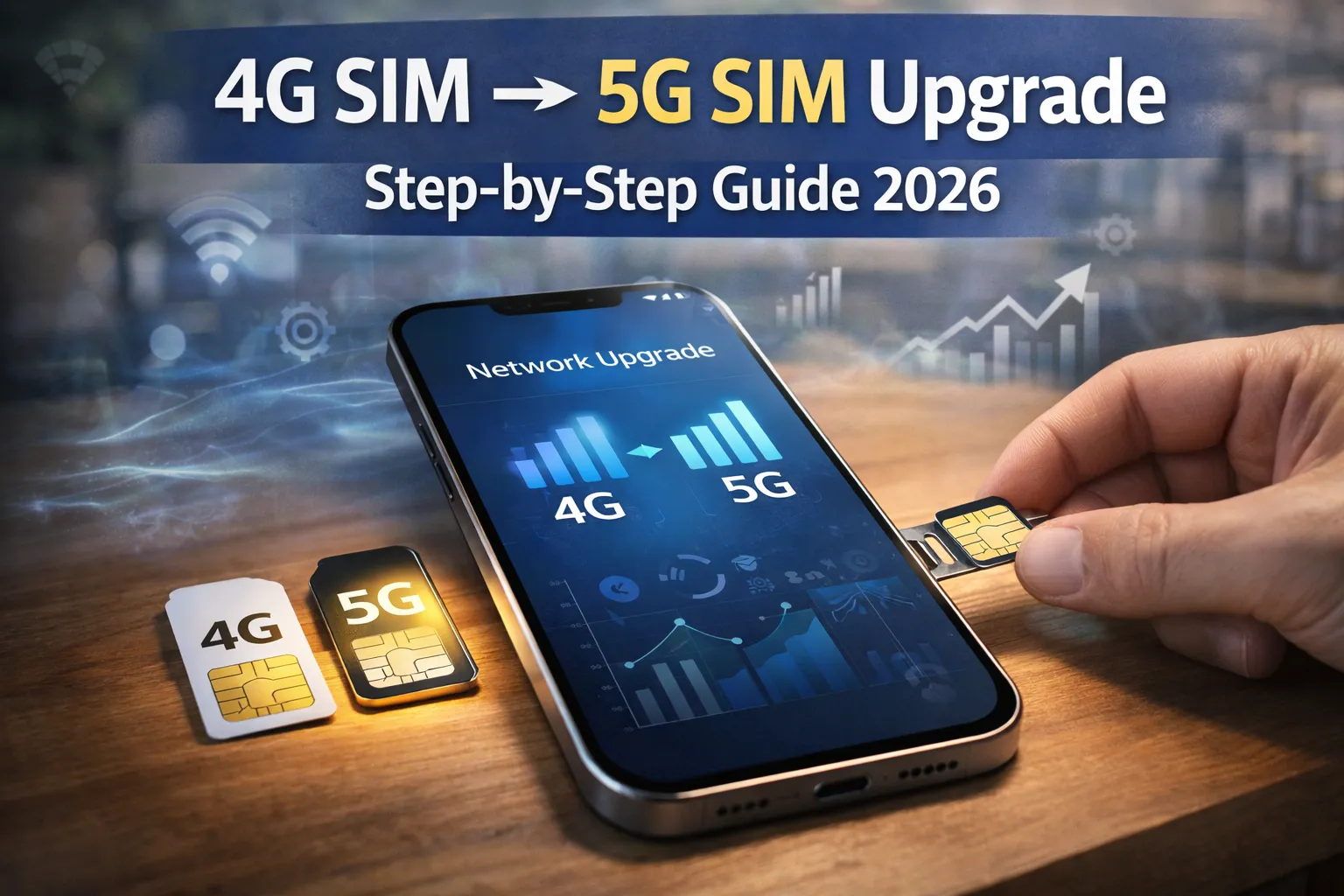
How to Convert 4G SIM to 5G SIM : In today’s fast-moving digital world, mobile technology is improving at a very rapid pace. From basic calling phones to high-speed smartphones, everything has evolved significantly in the past few years. One of the biggest advancements in this journey is the introduction of 5G technology. It is not just an upgrade but a complete transformation in how we use the internet on our mobile devices.
If you are still using a 4G SIM card, then this is the right time to think about upgrading. Many users are confused about whether they actually need a new SIM or not. Some people also don’t understand the process of converting their SIM properly. This guide will explain everything in a simple and clear way so that you can upgrade without any confusion.
Also Read : Top 10 Best Online Courses in USA Free : Real Platforms, Career Skills & How to Start Without Paying
What is 5G and Why It Matters
5G is the fifth generation of mobile network technology, designed to provide much faster speed and better connectivity compared to 4G networks. It is built to handle modern digital needs like streaming, gaming, and real-time communication. This new technology focuses on delivering high performance along with stable connections. That is why it is becoming essential for smartphone users.
One of the biggest advantages of 5G is its speed, which is significantly higher than 4G LTE networks. You can download large files within seconds and stream high-quality videos without buffering. This makes a huge difference in daily usage, especially for people who depend on the internet for work or entertainment. It creates a smoother and more enjoyable online experience.
Another important benefit of 5G is its ability to connect multiple devices efficiently. Whether it is smart home devices, IoT gadgets, or business tools, everything works better with 5G connectivity. As this network continues to expand across India, upgrading to 5G ensures that you stay updated with the latest technology trends.
What is a 5G SIM Card
A 5G SIM card is an upgraded version of a traditional SIM card that supports high-speed data and advanced network features. It is specially designed to work with modern 5G networks and provide better performance. This SIM uses improved technology that can handle faster data transmission. That is why it is recommended for users who want the best experience.
In some cases, older 4G SIM cards may still work in 5G smartphones. However, they may not deliver the full speed and efficiency of a true 5G network. This means you might not get the complete benefits even if your phone supports 5G. That is why upgrading becomes important for better results.
When you switch to a dedicated 5G SIM, your device becomes fully compatible with the network. It improves connection stability and overall performance during usage. This small upgrade can make a noticeable difference in your internet experience.
Benefits of Upgrading to a 5G SIM
1. Faster Internet Speed
One of the main reasons people upgrade to a 5G SIM is the massive improvement in internet speed. You can download movies, apps, and large files within seconds. This saves time and improves productivity, especially for people who work online. It completely changes how you use mobile internet.
Streaming videos becomes much smoother with 5G connectivity. You can watch content in 4K quality without buffering or interruptions. This is especially helpful for users who consume a lot of online content daily. The overall experience becomes faster and more enjoyable.
2. Ultra-Low Latency
Latency refers to the delay between sending and receiving data on a network. In 5G technology, this delay is extremely low compared to 4G networks. This means actions happen almost instantly without noticeable lag. It is a major improvement for real-time applications.
This feature is especially useful for online gaming and video calls. You will experience faster response times and smoother performance during usage. It also improves virtual reality and augmented reality experiences. Everything feels more responsive and natural.
3. Better Network Stability
5G networks are built to handle a large number of users at the same time. Even in crowded places like markets or events, the network remains stable. This reduces the chances of slow internet or call drops. It ensures a consistent connection throughout the day.
With improved network efficiency, users can enjoy uninterrupted browsing and communication. This is very useful during peak hours when 4G networks often slow down. You get a more reliable experience without frequent disruptions. It improves overall usability.
4. Future-Ready Technology
Technology is constantly evolving, and 5G is becoming the new standard for mobile connectivity. Many upcoming applications and services will depend on 5G networks. By upgrading your SIM, you prepare yourself for future advancements. This makes your device more useful in the long run.
It also reduces the need for frequent upgrades in the future. Once you switch to 5G, you can enjoy modern features without worrying about compatibility issues. It is a smart and long-term investment. It helps you stay ahead in the digital world.
Check if Your Phone Supports 5G
Before upgrading your SIM, it is very important to confirm whether your smartphone supports 5G technology. Without a compatible device, you will not be able to use 5G services properly. This step is essential to avoid unnecessary confusion later. It helps you make the right decision.
You can check your phone specifications on the official website of the manufacturer. Simply search your model number and look at the network section. If 5G is mentioned there, your device supports it. This is one of the easiest methods to verify compatibility.
Another method is checking your phone settings directly. On Android, go to network settings and look for preferred network type options. On iPhone, you can find it under mobile data settings. You can also contact your telecom provider for confirmation.
Eligibility for 5G SIM Upgrade
There are certain requirements that you must meet before upgrading your SIM to 5G. The first and most important condition is having a 5G-compatible smartphone. Without this, upgrading your SIM will not provide any real benefit. This is something you must check first.
Your SIM slot should also support modern SIM technology. Most new smartphones already have this feature, so it is usually not a problem. However, it is still good to verify this detail before upgrading. It ensures a smooth experience during the process.
Your mobile account should be active and free from any issues. If there are pending bills or restrictions, your request may get delayed. Additionally, your location should have 5G network coverage. Without coverage, you will not experience the benefits immediately.
How to Convert 4G SIM to 5G SIM (Step-by-Step)
Step 1: Contact Your Telecom Provider
The first step is to contact your telecom provider like Jio, Airtel, Vi, or BSNL. You can do this through customer care, mobile apps, websites, or by visiting a nearby store. Inform them clearly that you want to upgrade your SIM. They will guide you through the process.
Make sure you provide correct details when asked by the representative. This helps avoid delays in the upgrade process. You can also ask about any available offers or plans. It helps you choose the best option.
Step 2: Verify Eligibility
After your request, the provider will check your eligibility. They will verify your device compatibility, SIM status, and account condition. This step ensures that you meet all requirements for upgrading. It prevents issues later.
They may also inform you about available 5G plans. Some providers offer better data benefits with 5G plans. It is a good idea to understand these options. It helps you make an informed decision.
Step 3: Request New 5G SIM
Once everything is confirmed, you can request a new 5G SIM card. Depending on the provider, you may receive it at your home or collect it from a store. Some companies also offer eSIM activation. This eliminates the need for a physical SIM.
Choose the option that is most convenient for you. Make sure to follow the instructions provided by your provider. This ensures a smooth transition without any problems.
Step 4: Activate Your SIM
After receiving your SIM, insert it into your phone carefully. Follow the activation instructions given by your telecom provider. This usually involves sending an SMS or verifying through an app. It is a simple process.
Once activation is complete, restart your device. Your phone will automatically connect to the 5G network if available. This process usually takes a few minutes to a few hours.
Tips for Smooth SIM Upgrade
Before starting the upgrade process, always take a backup of your important data. Although SIM changes do not usually affect data, it is better to stay safe. This ensures that you do not lose any important information.
Keep your old SIM card with you for some time after upgrading. It can be useful for verification or in case of any issues. Following proper instructions also helps avoid unnecessary problems. It makes the process easier.
After activation, you should run a speed test to confirm your connection. This helps you verify whether your device is using the 5G network properly. It also gives you an idea about speed improvement. This step is very useful.
Final Thoughts
Upgrading from a 4G SIM to a 5G SIM is a simple but important step in today’s digital age. It helps you enjoy faster speeds, better connectivity, and improved performance. This upgrade can make a noticeable difference in your daily usage.
Whether you are a student, professional, or casual user, 5G can improve your experience. It supports modern applications and future technologies. This makes it a valuable upgrade for everyone. It is worth considering.
As 5G continues to expand across India, upgrading your SIM ensures that you stay updated. It prepares you for the future of mobile connectivity. So, if your device supports it, you should upgrade without delay.









Mahi
Hello friends! My name is Mahi and I am the Founder & Writer of Studynumberone.Net. I write content related to Ai, Technology, Make Money, and Education. Hope you like my Articles!
How to Deploy Low-Power AI Models on Edge IoT Devices ?
How to Deploy Low-Power AI Models on Edge IoT Devices : In our increasingly connected world, IoT devices…
Read MoreBrain-Computer Interface (BCI) Everyday Use Cases: Practical Neuralink Alternatives for Real Life in 2026
Brain-Computer Interface : Hey folks, let me paint a picture for you. Picture sitting on your couch after…
Read MoreBest Open-Source AI-Native Development Platforms in 2026: How They Fully Automate Software Development with AI
Open-Source AI-Native Development Platforms: Hey there, if you’re a developer, startup founder, or engineering leader in the US…
Read MoreHow to Integrate AI Agents with Existing CRM and ERP Systems: A Practical Guide to Unlocking Agentic AI’s Real-World Power
How to Integrate AI Agents : If you run a business in the United States today—whether it’s a…
Read More